


You would have noticed most blogs and websites having huge Facebook likes but have you ever considered how do they gain these likes? It's easy in as much as you can apply a light Facebook-like box on your website.
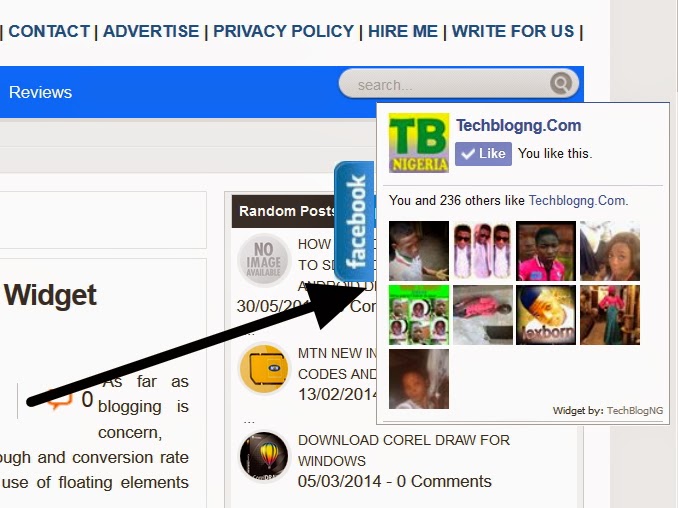
How can I Install the Facebook Like Box on My Blogger Blog?
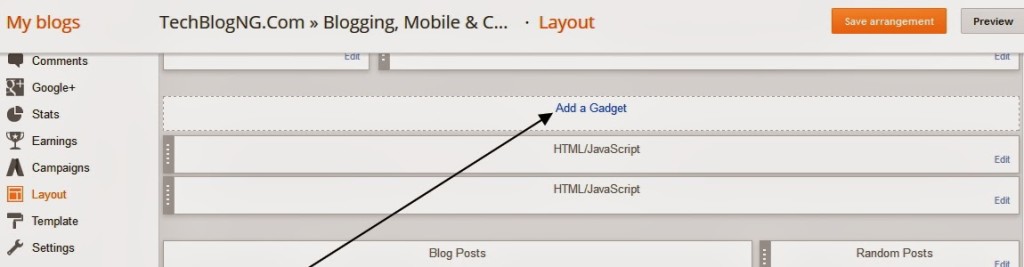
1. Go to Blogger Dashboard >> Layout.
2. Click on Add a Gadget
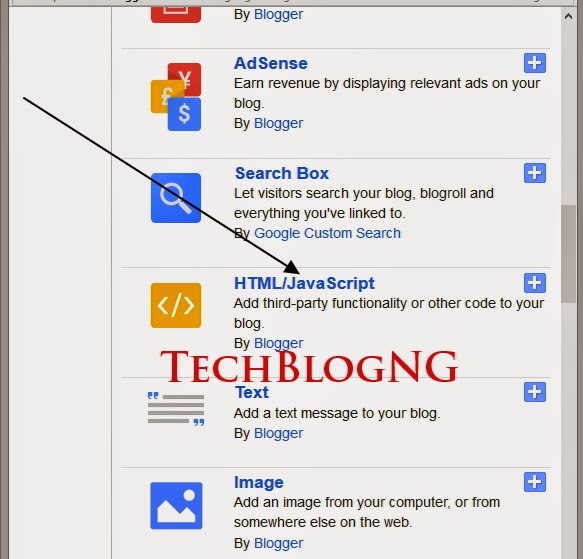
3. From the Popup choose HTML/JavaScript
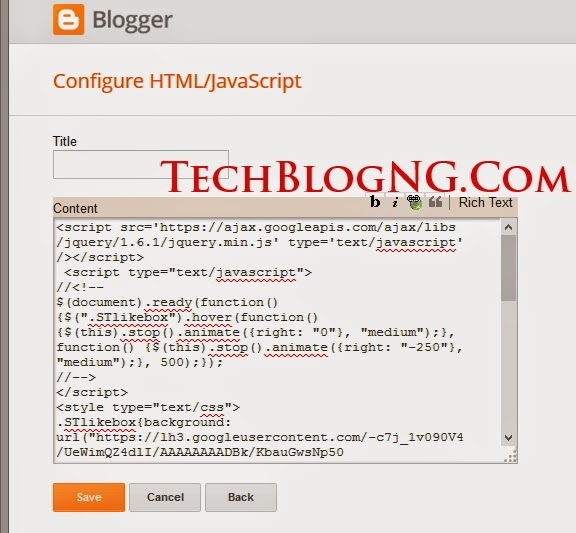
4. Leave the first area which is Title blank and paste the below code into the content box. Change the highlighted techblogng to your page username and save.
[html]
<script src=”https://ajax.googleapis.com/ajax/libs/jquery/1.6.1/jquery.min.js” type=”text/javascript”></script>
<script type=”text/javascript”>
//<!–
$(document).ready(function() {$(“.STlikebox”).hover(function() {$(this).stop().animate({right: “0”}, “medium”);}, function() {$(this).stop().animate({right: “-250”}, “medium”);}, 500);});
//–>
</script>
<style type=”text/css”>
.STlikebox{background: url(“https://lh3.googleusercontent.com/-c7j_1v090V4/UeWimQZ4dlI/AAAAAAAADBk/KbauGwsNp50/s101/fbfloat.jpg”) no-repeat scroll left center transparent !important;display: block;float: right;height: 200px;padding: 0 5px 0 35px;width: 245px;z-index: 99999;position:fixed;right:-250px;top:20%;}
.STlikebox div{border:none;position:relative;display:block;}
.STlikebox span{bottom: 12px;font: 8px “lucida grande”,tahoma,verdana,arial,sans-serif;position: absolute;right: 6px;text-align: right;z-index: 99999;}
.STlikebox span a{color: #808080;text-decoration:none;}
.STlikebox span a:hover{text-decoration:underline;}
</style><div class=”STlikebox” style=””><div>
<iframe src=”http://www.facebook.com/plugins/likebox.php?href=http%3A%2F%2Ffacebook.com%2Ftechblogng&width=245&colorscheme=light&show_faces=true& connections=9&stream=false&header=false&height=270″ frameborder=”0″ scrolling=”no” style=”border: medium none; overflow: hidden; height: 270px; width: 245px;background:#fff;”></iframe><span>Widget by: <a href=”https://hdmrica.com/floating-fb-like”>TechBlogNG</a></span>
</div>
</div>
[/html]
Visit your Blog and see the Magic.












Hi Hadharm, Thanks for sharing this with me on Twitter. Cool widget. Will try on my blog too. 🙂